
Best Crypto Apps for Beginners: The Five Features That Actually Matter on Your Phone

 Prefer us on Google


Searching for the best crypto apps for beginners usually turns up a ranked list of exchanges and wallets. That's useful once, when choosing where to sign up, but it skips a more practical question: once an app is installed on your phone, which of its features are actually doing something for you every day, and which are just settings screens you never open.
A phone carries risks a desktop doesn't, it can be picked up unlocked, lost, or have its notifications read by anyone standing nearby, and the apps built well for mobile account for that. This guide walks through five features worth checking for specifically, regardless of which app or exchange a beginner ultimately chooses.
Feature One: Biometric Confirmation on Every Transaction, Not Just App Unlock
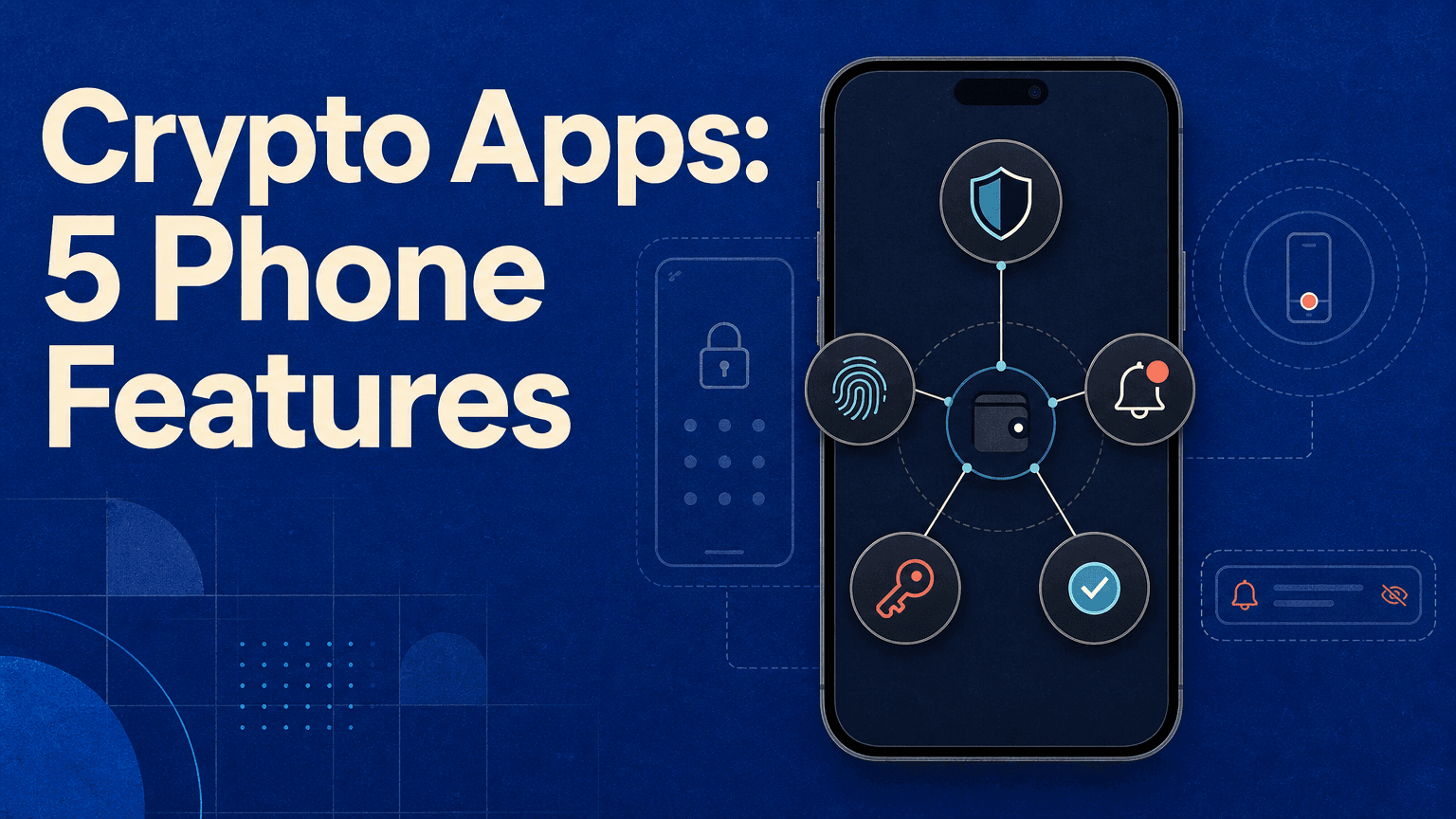
Most crypto apps use Face ID or fingerprint unlock to open the app, which is a reasonable baseline but a narrower protection than it sounds. The meaningful version of this feature asks for biometric confirmation again at the moment of an actual transaction, a withdrawal, a trade, a transfer, not just once when the app opens for the session.
The difference matters specifically because a phone can be unlocked and handed over, left on a table mid-session, or picked up by someone who caught a glimpse of a passcode. An app that only checks biometrics at launch leaves the entire session open to whoever holds the unlocked phone next. One that re-confirms at the transaction level closes that gap, treating every money moving action as its own checkpoint rather than trusting a single unlock to vouch for everything that follows.
Feature Two: Withdrawal Alerts That Actually Function as a Tripwire
A push notification confirming a completed transaction is table stakes at this point. What's worth checking for specifically is whether an app sends an alert the moment a withdrawal is initiated, not after it's already settled, and whether that alert includes enough detail, the destination address or at least a partial match, to let a user recognize instantly whether they actually authorized it.
This distinction is the difference between a notification that's purely informational and one that functions as an actual security control. An alert that arrives after a withdrawal has already completed is a record, useful for figuring out what happened after the fact. An alert that arrives the moment a withdrawal is requested gives a narrow but real window to flag unauthorized activity, contact support, or freeze an account before funds are gone, which is the entire point of having a mobile-first security feature in the first place.
Feature Three: An Anti-Phishing Code in Every Official Message
This is one of the more overlooked features on this list, and it specifically targets a mobile specific problem: it's much easier to be tricked by a convincing fake notification or email on a small screen, glanced at quickly between other things, than it is sitting at a desktop with a full browser and more attention available.
An anti-phishing code is a short phrase or string a user sets once, which the platform then includes in every legitimate push notification, email, or SMS it sends. A message claiming to be from the platform but missing that code is immediately identifiable as fake, without needing to inspect sender addresses or hover over links, neither of which is practical on a phone. Not every app offers this, and for the ones that do, it's a feature worth actually setting up rather than skipping past during onboarding, since it does nothing until configured.
-- Price
Feature Four: Withdrawal Whitelisting
A withdrawal whitelist restricts outgoing transfers to a pre-approved list of addresses, meaning even if an account is fully compromised, an attacker can't simply send funds to a new address of their choosing without first clearing an additional approval step to add it to the list. For a beginner who mostly moves funds between the same one or two destinations, a personal wallet and perhaps one other exchange, this feature costs almost nothing in daily convenience while closing off one of the more common attack paths: account takeover followed by an immediate withdrawal to an attacker controlled address.
This is a feature most beginners never turn on specifically because it isn't required during onboarding and doesn't announce itself the way a biometric prompt does. It sits in a settings menu, unused, until the one moment it would have mattered, which is exactly the kind of security feature worth proactively seeking out rather than waiting to discover.

Feature Five: Price Alerts That Interrupt Instead of Just Inform
Most crypto apps offer price alerts in some form, but there's a meaningful difference between an alert that quietly updates a watchlist and one that actually sends a push notification interrupting whatever else is happening on the phone. For a beginner who isn't watching charts constantly, the second kind is the one that actually does its job: a price alert that never gets seen because it required opening the app first isn't functioning as an alert at all.
The more useful version also allows setting both upside and downside thresholds, not just one, since a beginner holding a first position benefits from knowing when a price moves sharply in either direction, not only when it's time to consider taking profit. This is a small feature compared to the security focused ones above, but it's the one most directly tied to actually using crypto as a beginner day to day, rather than only protecting against the rare worst case.
Why These Five, and Not a Longer List
It would be easy to extend this list with more features, cold storage percentages, insurance funds, proof of reserves, but those are platform-level claims rather than phone-level features a beginner directly interacts with every day. The five covered here share something specific: each one is a setting or behavior that lives inside the app itself, that a beginner can check for, turn on, and verify works, rather than a claim about the company behind the app that has to be taken on trust.
That distinction is worth holding onto when comparing apps. A platform's marketing page will say it takes security seriously. Whether biometric confirmation triggers on every withdrawal, whether an anti-phishing code actually appears in test notifications, whether a withdrawal whitelist exists and is simple enough to actually set up, these are things a beginner can verify directly within minutes of installing an app, rather than having to trust a claim on a website.
Checking These Features on WEEX
Once a beginner knows what to look for, the practical step is checking an actual app rather than taking a feature list at face value. The WEEX app supports biometric login alongside two factor authentication, and account security settings, including withdrawal controls, are accessible from the account menu rather than buried in a separate security dashboard. Spot trading on WEEX carries no leverage, which is worth noting specifically for a beginner comparing the five features above against an app that also offers high-leverage futures, since the stakes of a compromised account are meaningfully different depending on which market a beginner is actually using.
Trading on WEEX is backed by a publicly disclosed 1,000 BTC protection fund, which can be checked directly at weex.com/protectfund, the kind of claim worth verifying independently rather than accepting on trust, in keeping with the same standard this guide has applied to the five phone-level features above.
Conclusion
The best crypto apps for beginners aren't defined by a brand name on a ranked list. They're defined by whether five specific features actually work the way they're supposed to: biometric confirmation at the transaction level, withdrawal alerts that fire before funds leave rather than after, an anti-phishing code that makes fake messages instantly identifiable, a withdrawal whitelist that closes off unauthorized transfers, and price alerts that actually interrupt rather than sit unseen in a watchlist. None of these require advanced crypto knowledge to check for. They just require opening the settings menu once, which is a better use of a beginner's first ten minutes with any new app than skipping straight to a first purchase.
FAQ
1. What's the most important security feature in a crypto app for beginners?
Biometric confirmation at the transaction level, not just at app unlock, since it protects against the common real-world scenario of an already-unlocked phone being picked up or left unattended.
2. Why does an anti-phishing code matter specifically for mobile apps?
Phones make it easier to be tricked by a convincing fake notification glanced at quickly, with less time and screen space to inspect sender details than on a desktop. A personal code included in every legitimate message makes fakes immediately identifiable.
3. Should beginners set up a withdrawal whitelist even if it adds a step?
Generally yes. It costs little in daily convenience for someone moving funds between the same one or two destinations, while closing off a common attack path where a compromised account is used to withdraw to a new, attacker-controlled address.
4. Are price alerts actually a security feature?
No, they're more of a usability feature, but they matter for beginners specifically because an alert that requires opening the app to notice isn't functioning as an alert. A proper push notification is what makes the feature useful day to day.
5. How can I check whether an app actually has these features, not just claims them?
Open the account or security settings menu directly after installing the app and test each feature, set up a withdrawal whitelist, enable biometric confirmation, configure an anti-phishing code, and send yourself a test price alert, rather than relying on marketing claims.
This content is provided for general informational purposes only and doesn't constitute financial, investment, legal, or tax advice. Any events, rewards, online promotions, or related information mentioned herein should not be considered a recommendation, solicitation, or invitation to purchase, sell, trade, or otherwise deal in any crypto assets. Crypto assets are highly volatile and may result in loss. The availability of WEEX services, products, and related events may vary by region. You are responsible for ensuring that your participation is in accordance with applicable local laws and regulations.
You may also like
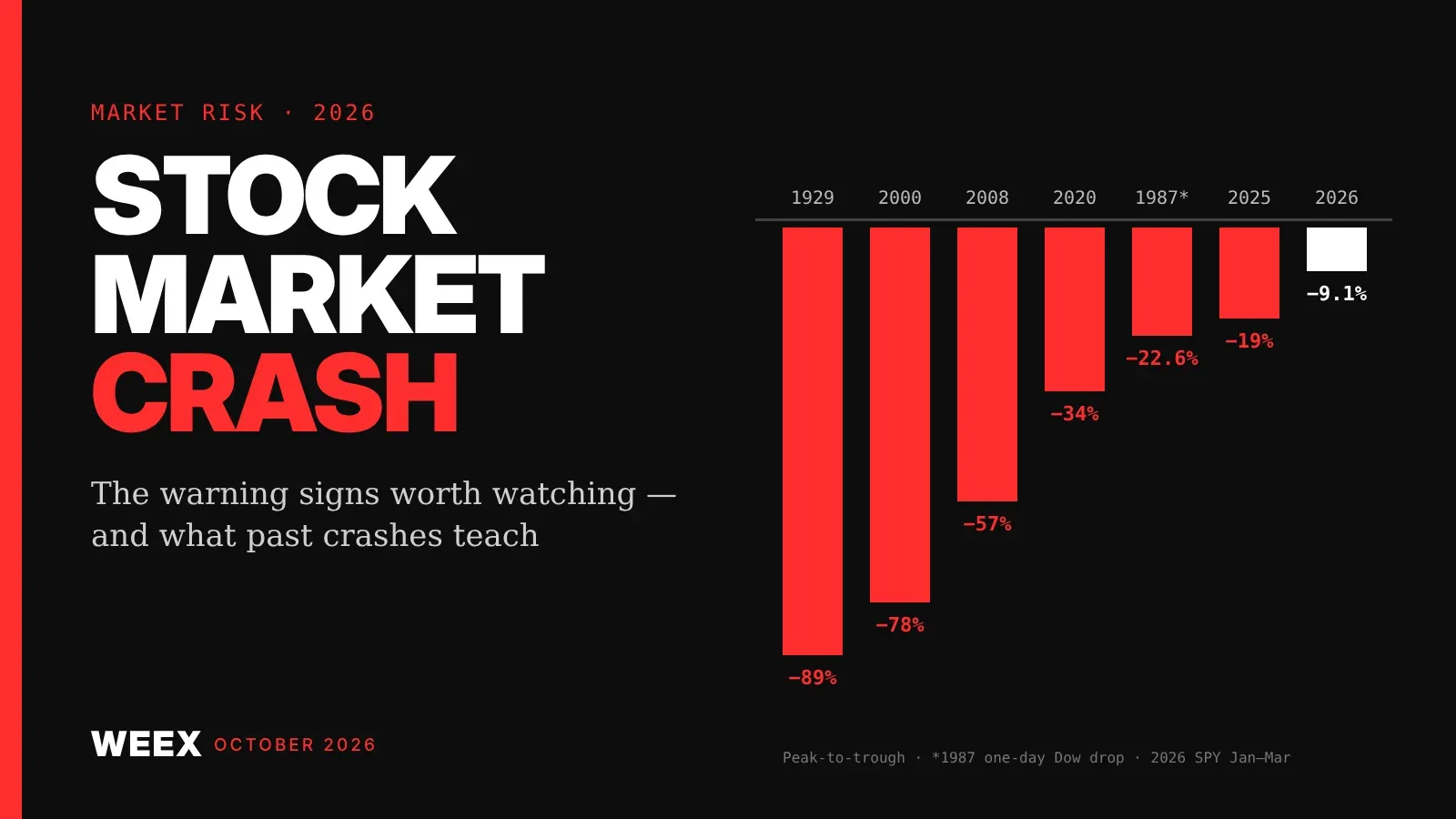
Stock Market Crash Risk in 2026: The Warning Signs Worth Watching
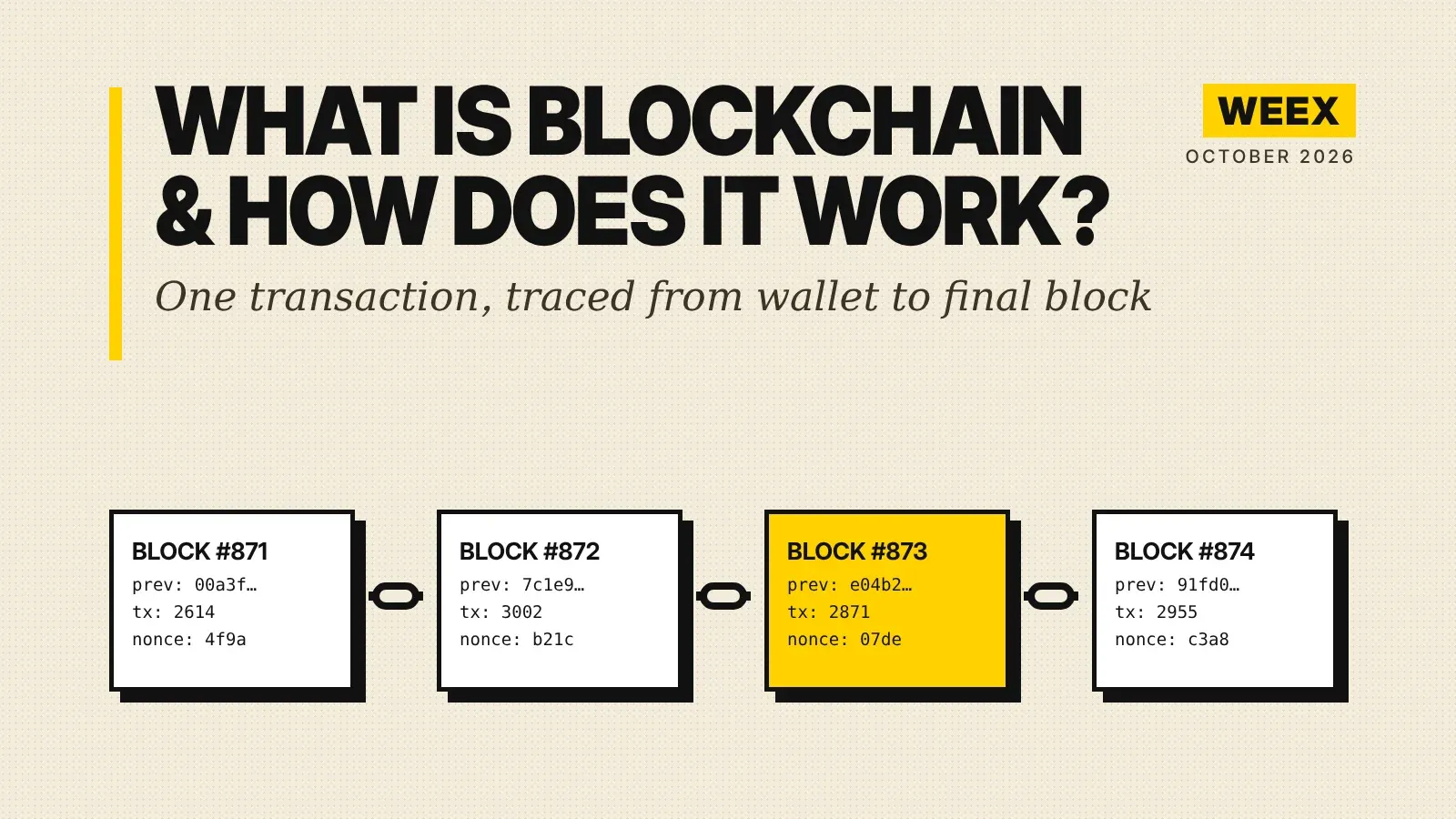
What Is Blockchain and How Does It Work? A Transaction Traced
How to Buy Crypto with PayPal: The Custody Catch Most Beginners Miss
What Is STOCKER? Stockereum, Stock-Paired Meme Tokens, and Risks
XRP Upgrade Update: XRPL Batch Slips to Oct 9 and What Changes

What Is Coinbase Wrapped HYPE (cbHYPE)? How It Works on Base, 1:1 Backing, Risks, and HYPE Conversion

Is QNT a Stock or Crypto? Quant (QNT) and Quantinuum Stock Are Not the Same Asset
No KYC Crypto Wallet: 6 Picks and 5 Places Your ID Still Leaks
What Is Quant (QNT) Crypto? How Overledger Works, QNT Utility, and Token Supply Explained
Best Decentralized Crypto Wallet for Beginners: What Self-Custody Really Asks of You
Does a Negative Funding Rate Mean a Short Squeeze Is Coming?

Best Crypto Exchange for Beginners 2026: What Actually Matters When Choosing One

Best Crypto Cold Wallet 2026: Top Picks Matched to How You Hold

How to Connect Phantom Wallet to a Solana DApp
How to Install and Set Up Phantom Wallet
Funding Rate Crypto: What BTC and ETH Are Paying Right Now

INTC Stock Surged 14%: Intel Only Has Enough Chips for Half Its Clients
XPL Unlock on Sept 25: How to Long or Short Plasma Futures Safely

Bitcoin Funding Rate After a $648M Short Squeeze: What Longs Pay

What Is Blockchain Technology? Follow One Transaction to See

How Does Mining Actually Work on Pi Network?
What Is Pi Network? A Complete Beginner's Guide

How to Look Up a Wallet Address and Transaction History
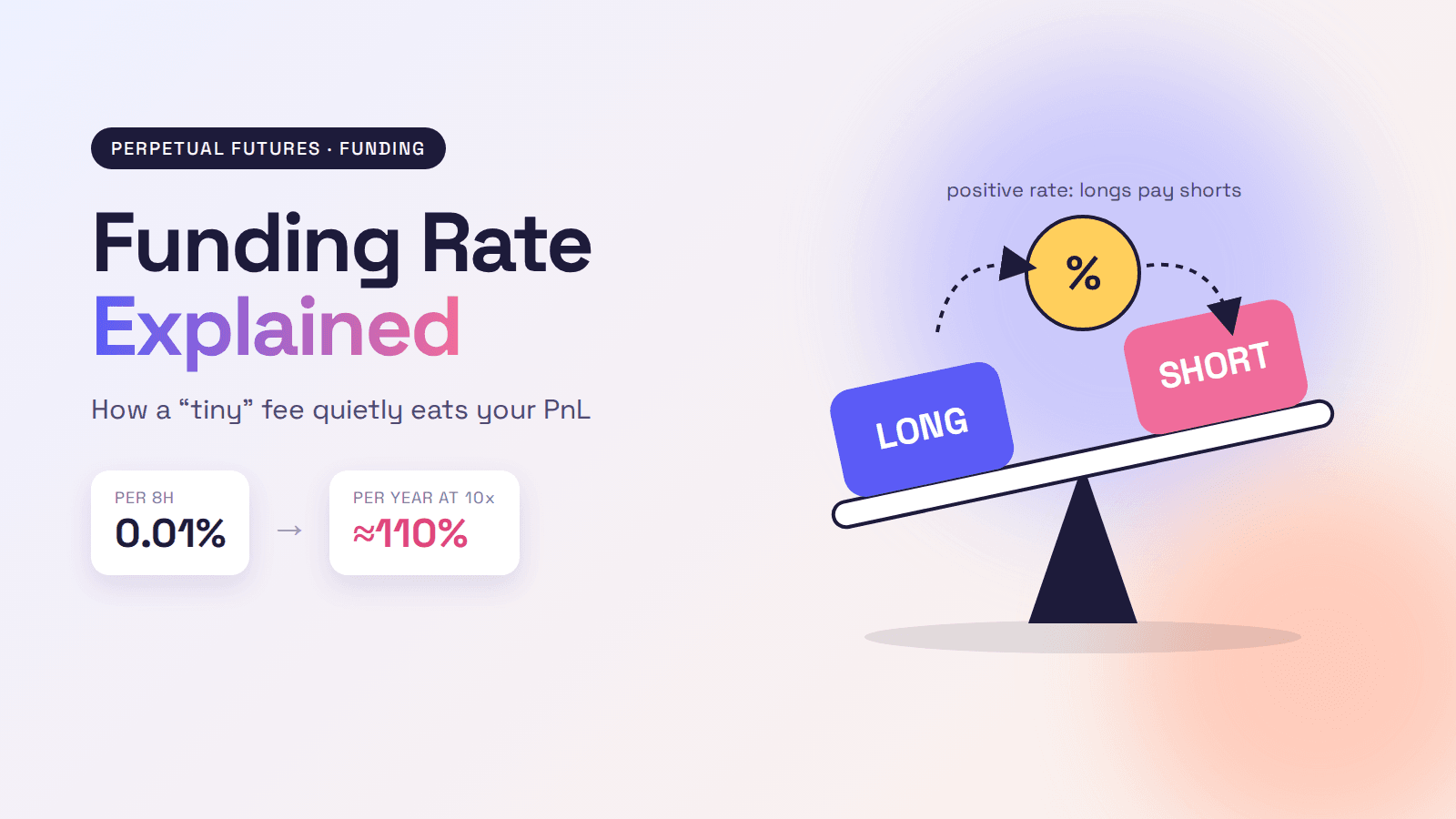
Funding Rate Explained: How Perpetual Futures Fees Hit Your PnL

PENGU Airdrop on WEEX: Get 10 USDT in PENGU Before October 6
BTC Futures Trading on WEEX: Claim BTC Rewards Before Sep 25
What Is a Funding Rate? How Perpetual Futures Charge Longs and Shorts
How Does WEEX KYC Verification Work? A Taiwan User Guide
Macro Protocol (MTP): Listing Status and a Safe Verification Guide
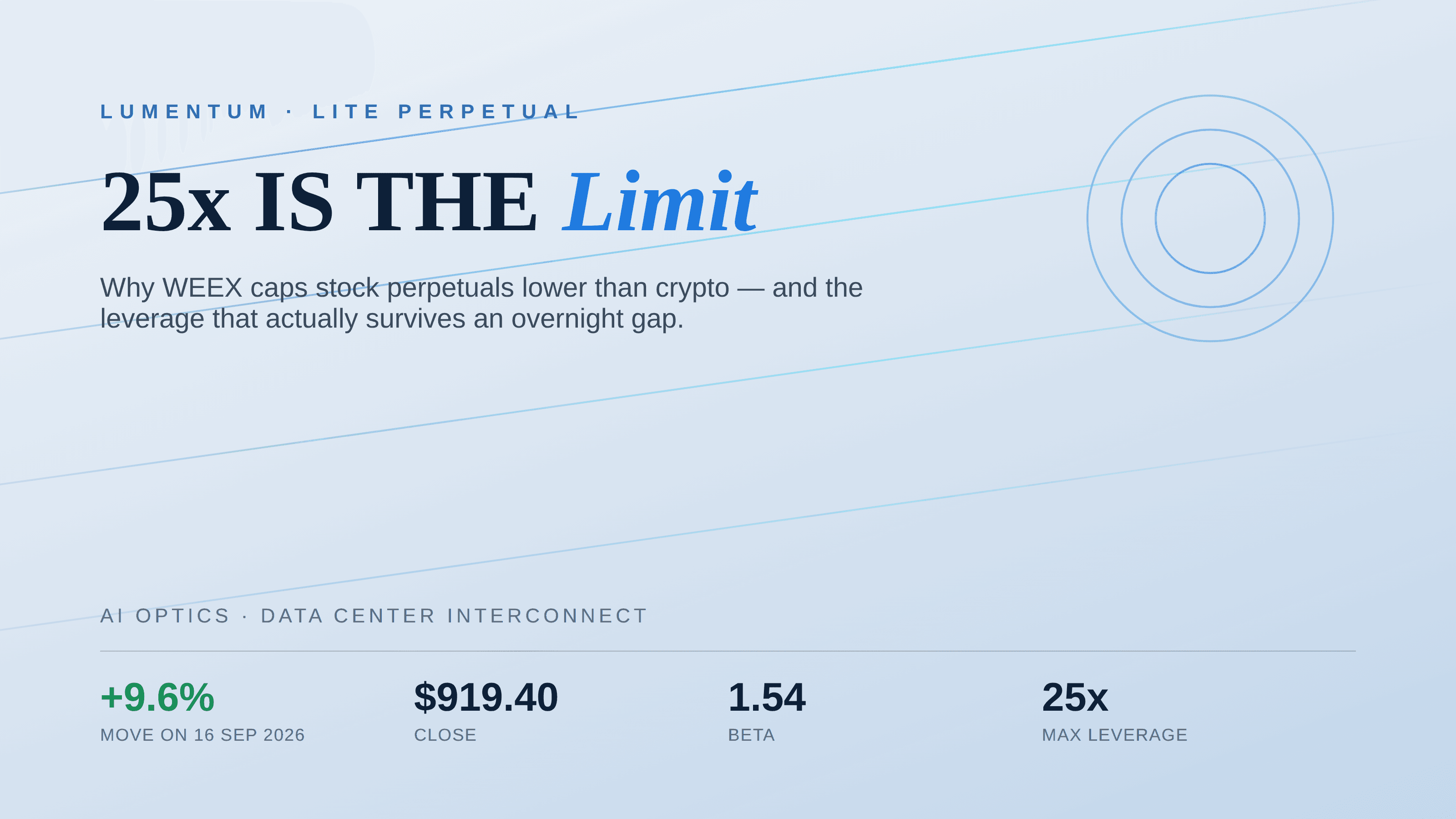
Lumentum (LITE) Perpetual Futures: Why 25x Leverage Is the Limit
Stock Market Crash Risk in 2026: The Warning Signs Worth Watching
What Is Blockchain and How Does It Work? A Transaction Traced
How to Buy Crypto with PayPal: The Custody Catch Most Beginners Miss
What Is STOCKER? Stockereum, Stock-Paired Meme Tokens, and Risks
XRP Upgrade Update: XRPL Batch Slips to Oct 9 and What Changes
What Is Coinbase Wrapped HYPE (cbHYPE)? How It Works on Base, 1:1 Backing, Risks, and HYPE Conversion
Contents
Popular coins
Latest articles


