
WEEX Passkey Now Secures Withdrawals: The 4 Actions It Covers

 Prefer us on Google


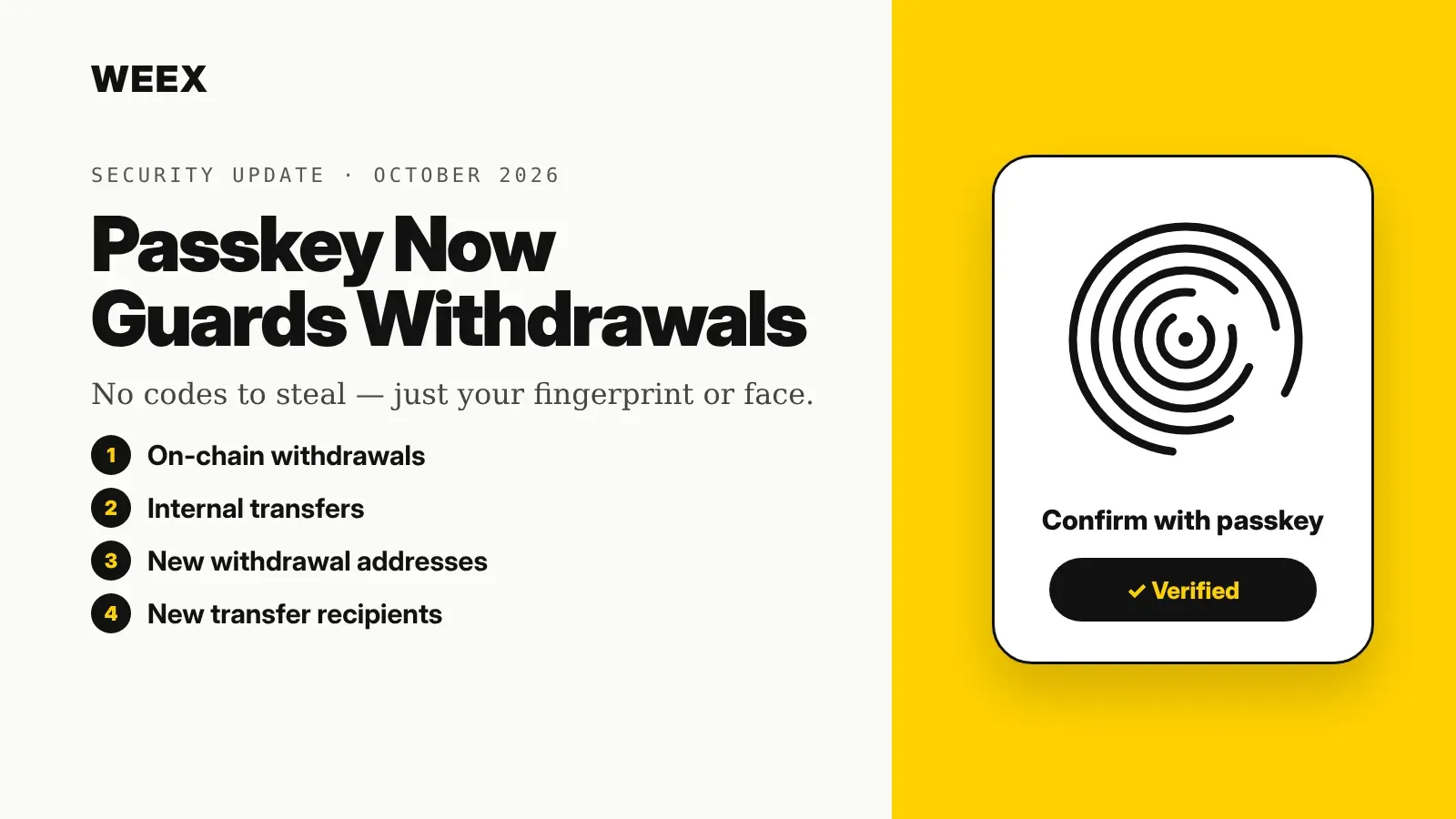
WEEX has extended passkey support from login to the moments that matter most: moving money out. A WEEX passkey can now verify four actions — on-chain withdrawals, internal transfers, adding a new withdrawal address, and adding new internal-transfer account details. Instead of waiting for an SMS or email code, you confirm with your device's fingerprint, face scan or screen-lock PIN, and the check is tied to WEEX's real domain, so a phishing site can't reuse it. Below: what each covered action protects against, how passkeys differ from the verification methods you may already use, how to set one up, and the risks a passkey still can't solve on its own.
What the WEEX Passkey Update Covers
The update adds passkey verification to four withdrawal-related steps:
- On-chain withdrawals. Sending crypto from WEEX to an external wallet address.
- Internal transfers. Moving funds to another WEEX user by account details, which settles instantly inside the platform.
- Adding a new withdrawal address. Saving a fresh external address to your address book.
- Adding new internal-transfer account information. Saving a new WEEX recipient for future transfers.
The last two matter as much as the first two. Account takeovers rarely end with a single withdrawal; attackers usually try to add their own address or recipient first, then drain funds. Putting a passkey in front of those changes closes that setup step, not just the final transfer.
How a Passkey Works, in Plain Terms
A passkey is a login credential built on the FIDO2 and WebAuthn standards. When you create one, your device generates a pair of cryptographic keys:
- The private key stays on your device (or in your phone's or computer's password manager, such as iCloud Keychain or Google Password Manager). It never gets sent to WEEX.
- The public key is stored by WEEX. It can check a signature, but it can't be used to create one.
When you withdraw, WEEX sends a one-time challenge, your device signs it after you unlock it with biometrics or a PIN, and WEEX verifies the signature. There's no code to read out and nothing reusable for an attacker to intercept.
The most important detail: a passkey is bound to the website's domain. Your device will only use a WEEX passkey on WEEX's genuine domain. A look-alike phishing page can copy WEEX's design pixel for pixel, but it can't trigger your WEEX passkey — so the classic "enter your code on this fake page" trick stops working.
WEEX Passkey vs. SMS, Email and Authenticator Codes
Each common verification method fails in a different way:
- SMS codes can be stolen through SIM-swap attacks, where a fraudster talks a mobile carrier into moving your number to their SIM.
- Email codes are only as safe as your email account. If that inbox is compromised, so are the codes.
- Authenticator app codes (like Google Authenticator) are far stronger than SMS, but a convincing phishing page can still ask you to type the six digits and relay them in real time.
- Passkeys don't produce a code at all. Nothing typed, nothing to relay, and nothing usable outside WEEX's real domain.
In practice, a passkey also makes withdrawals faster. Confirming with a fingerprint or Face ID takes a second or two, compared with waiting for an SMS or switching apps to copy a code.
-- Price
How to Set Up and Use a WEEX Passkey
Setup takes about a minute on a supported phone or computer:
- Log in to WEEX and open your account's Security settings.
- Find the Passkey option and choose to add one.
- Follow your device's prompt to confirm with fingerprint, face scan or device PIN. The passkey is saved to your device or password manager.
- Next time you withdraw, transfer internally, or add a new address or recipient, choose passkey verification and confirm with the same biometric or PIN.
Two practical tips. First, add a passkey on more than one device you control — say, your phone and your laptop — so losing one device doesn't lock you out of withdrawals. Second, if your passkey syncs through a cloud password manager, protect that account with strong security too, since it now holds the key to your exchange account.
What a Passkey Can't Protect You From
A passkey closes the biggest phishing and code-interception gaps, but it isn't a full security system. What experienced users still watch for:
- Address poisoning. Scammers send tiny transactions from addresses that look almost identical to ones you use, hoping you'll copy the wrong one from your history. A passkey will happily approve a withdrawal to a poisoned address if you chose it. Always verify the full address, not just the first and last few characters.
- A compromised device. If someone has unlocked access to your phone or laptop, or malware controls it, they may be able to approve actions. Keep your device's screen lock strong and its software updated.
- Social engineering. Nobody legitimate — including WEEX support — will ask you to approve a withdrawal or transfer to "secure" or "verify" your funds. If you're being pressured to confirm a transfer, stop.
- Your own address book. The passkey protects adding new addresses. Review saved addresses and internal recipients occasionally and delete any you don't recognize or no longer use.
The better reading: passkeys move the weakest point away from codes that can be stolen and toward your own attention on where funds are going. That's a real upgrade, but it rewards double-checking every destination.
Why the WEEX Passkey Update Matters
Withdrawals are where account security either holds or fails, and WEEX passkey verification now guards the full chain: adding a recipient, then sending to it, on-chain or internally. For most users, that's the single most effective step against phishing and SIM-swap attacks, and it makes withdrawing quicker at the same time. If you're also rethinking where to keep long-term holdings, WEEX's guide to hot wallets vs. cold wallets and its best crypto wallet picks for 2026 cover the self-custody side. For assets you keep on WEEX, turning on a passkey in Security settings is the quickest upgrade available.
FAQ
1. What does a WEEX passkey verify?
A WEEX passkey can verify on-chain withdrawals, internal transfers, adding a new withdrawal address, and adding new internal-transfer account information.
2. Is a passkey safer than Google Authenticator?
For phishing, yes. Authenticator codes can be typed into a fake site and relayed, while a passkey only works on WEEX's real domain and never produces a code to steal.
3. What happens if I lose my phone with my passkey?
If your passkey syncs through a password manager like iCloud Keychain or Google Password Manager, it's restored on your new device. Adding a passkey on a second device you own also keeps withdrawals available.
4. Can WEEX support ask me to approve a withdrawal with my passkey?
No. Treat any request to approve a withdrawal or transfer you didn't start yourself as a scam, no matter who claims to be asking.
This content is provided for general informational purposes only and doesn't constitute financial, investment, legal, or tax advice. Any events, rewards, online promotions, or related information mentioned herein should not be considered a recommendation, solicitation, or invitation to purchase, sell, trade, or otherwise deal in any crypto assets. Crypto assets are highly volatile and may result in loss. The availability of WEEX services, products, and related events may vary by region. You are responsible for ensuring that your participation is in accordance with applicable local laws and regulations.
You may also like

Best Crypto Apps for Beginners: The Five Features That Actually Matter on Your Phone

Stock Market Crash Risk in 2026: The Warning Signs Worth Watching
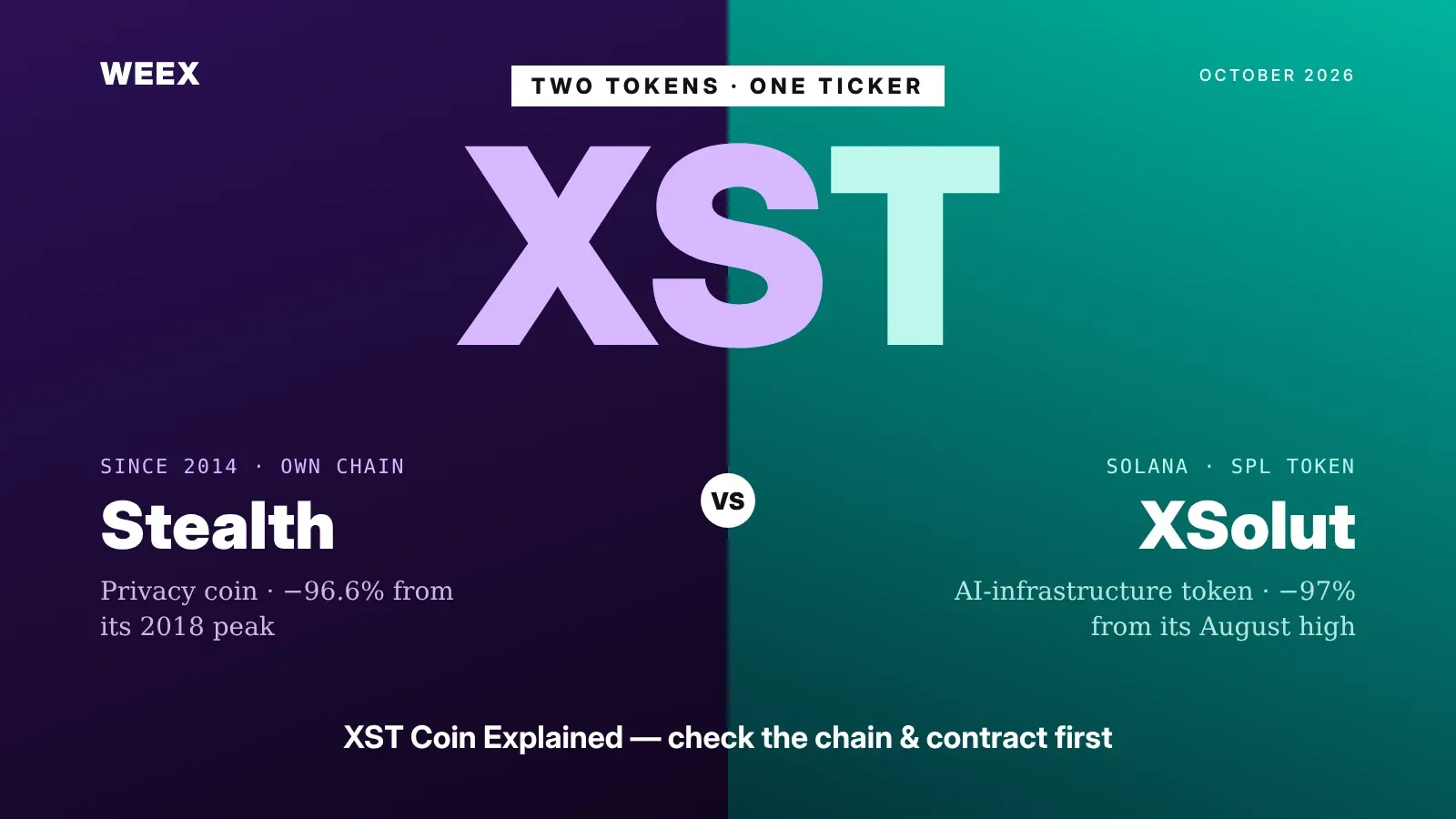
XST Coin Explained: Two Tokens Share One Ticker, Check Which One
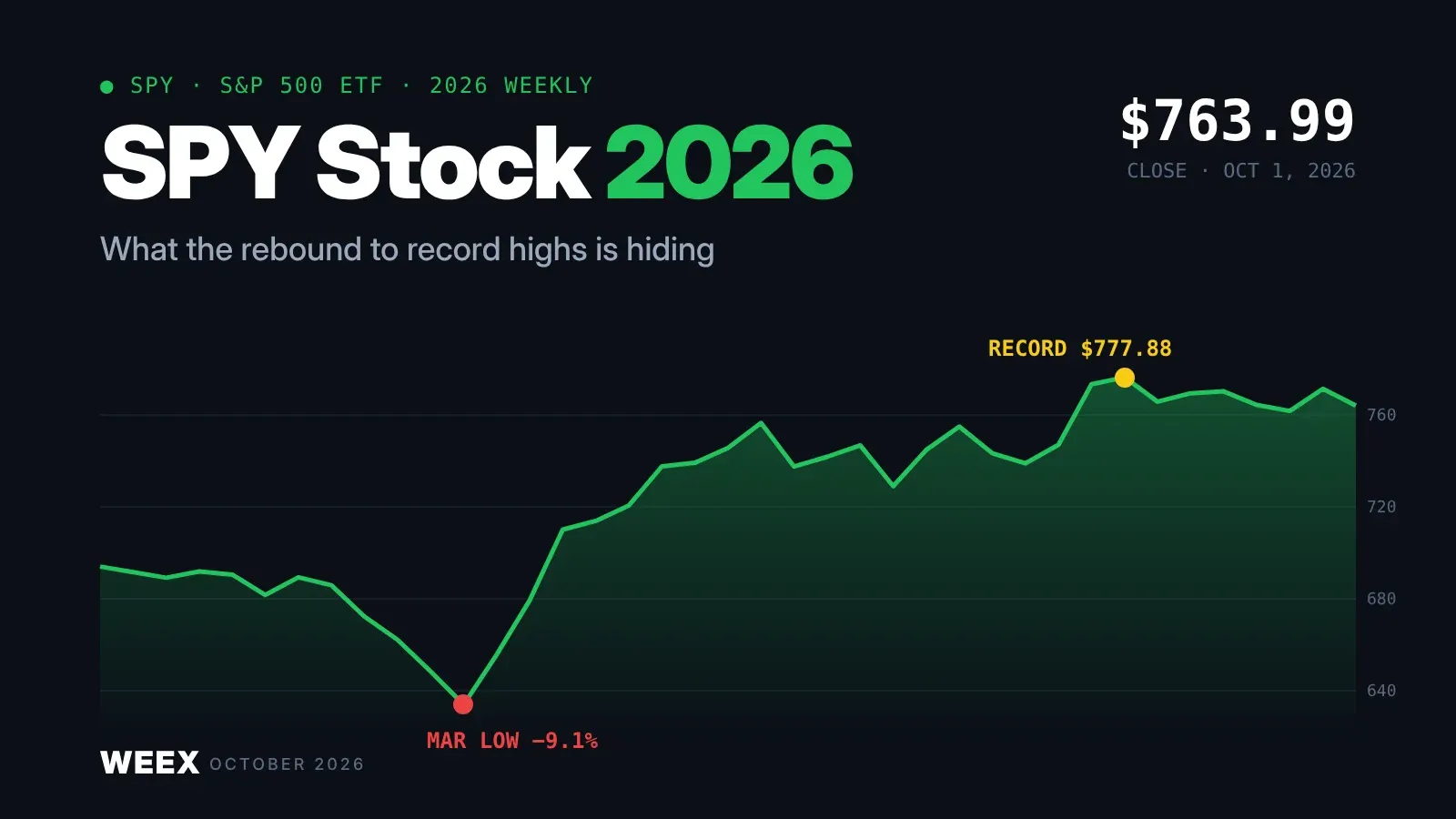
SPY Stock in 2026: What the Rebound to Record Highs Is Hiding
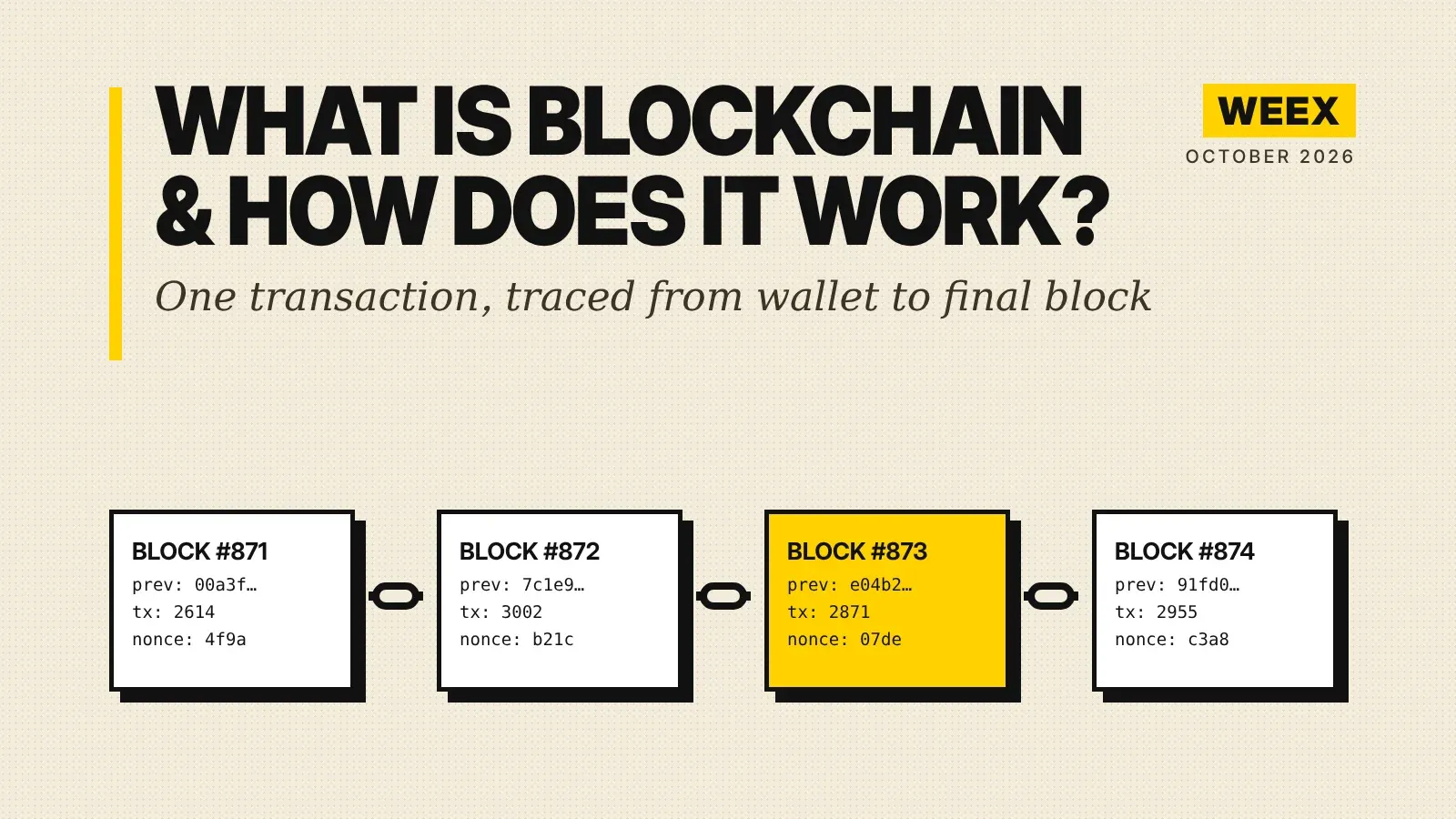
What Is Blockchain and How Does It Work? A Transaction Traced
How to Buy Crypto with PayPal: The Custody Catch Most Beginners Miss
ENA Token Price Up 76% in a Month: The October 5 Unlock Test
MU Stock After a Record Q4: Why Micron Slipped on a Huge Beat

QNT Price Near $295: Does the Bank Deal Justify a 4x Rally?

HBAR Price Spike and Reversal: Long, Short, and Stop-Loss Orders
QNT Futures After a 280% Rally: Leverage and Liquidation Math
XRP Upgrade Update: XRPL Batch Slips to Oct 9 and What Changes
Safest Crypto Wallet in 2026: Matching Wallet Type to the Threat You're Actually Worried About
No KYC Crypto Wallet: 6 Picks and 5 Places Your ID Still Leaks
2Z Token Unlock on October 2: What 1.66B DoubleZero Tokens Mean
Best Decentralized Crypto Wallet for Beginners: What Self-Custody Really Asks of You
UNI Futures: How to Set Take-Profit and Stop-Loss After a 2x Run
QNT Futures: Funding Rate and Long vs Short After a 4x Rally
Which Crypto to Buy for Beginners: A Simple 3-Tier Starter Plan
How to Get a Crypto Wallet: Pick, Set Up, and Fund It Safely
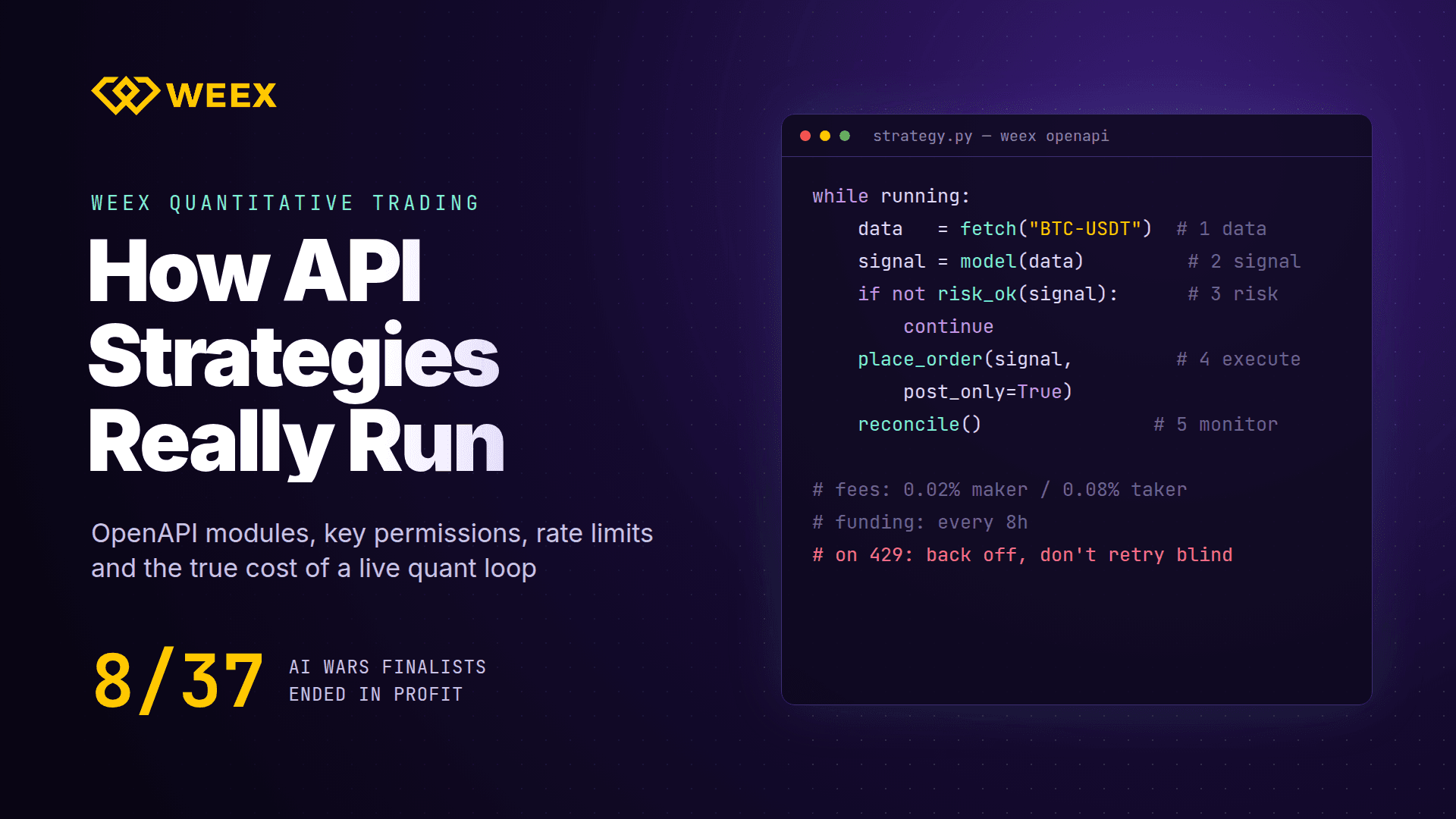
WEEX Quantitative Trading: How API Strategies Run in Practice

WEEX Strategy Trading: 4 Ways to Automate Your Crypto Trades

WEEX Grid Trading: When a Grid Strategy Works and When It Fails
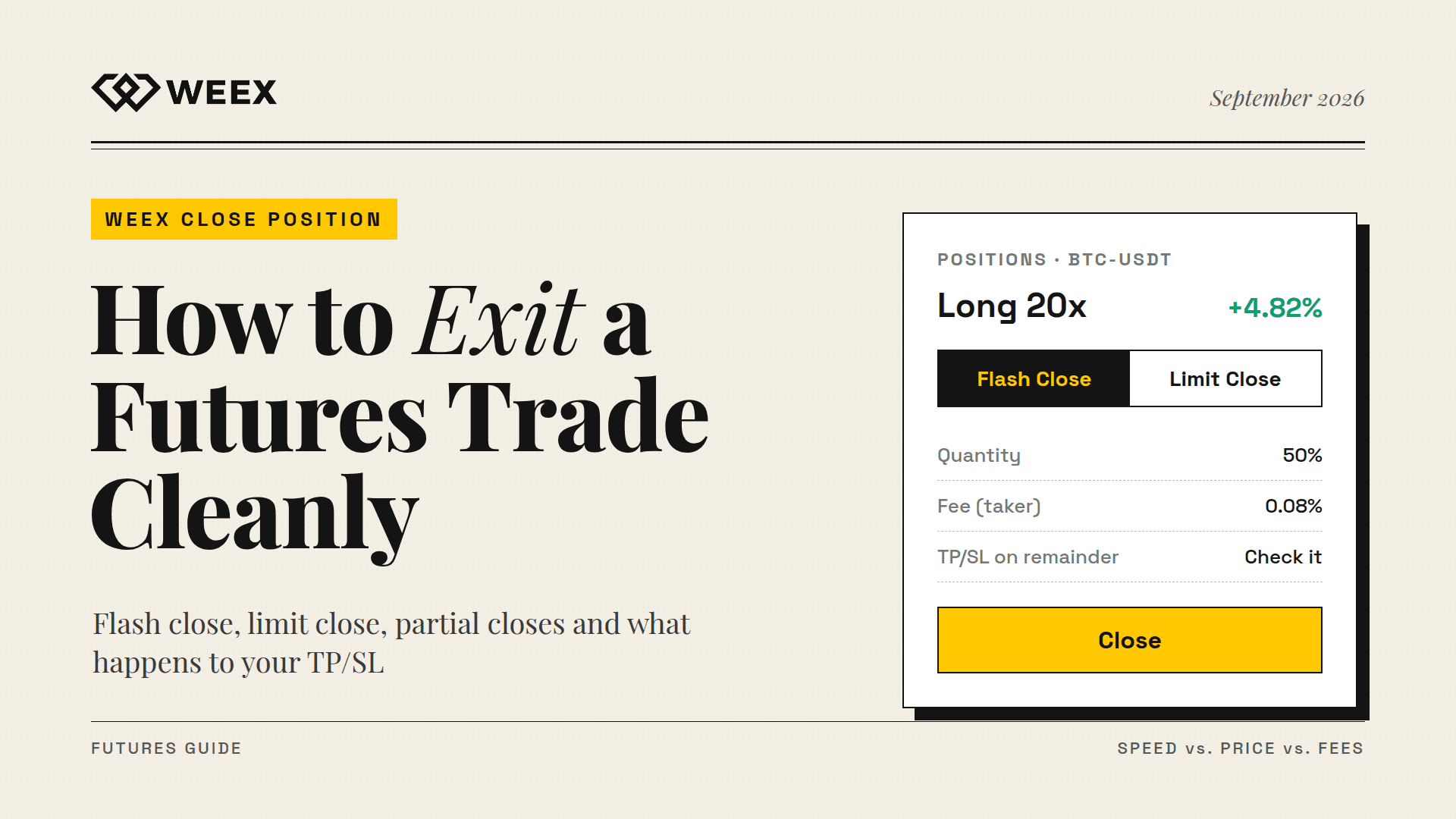
WEEX Close Position Guide: Flash Close, Limit Close and TP/SL
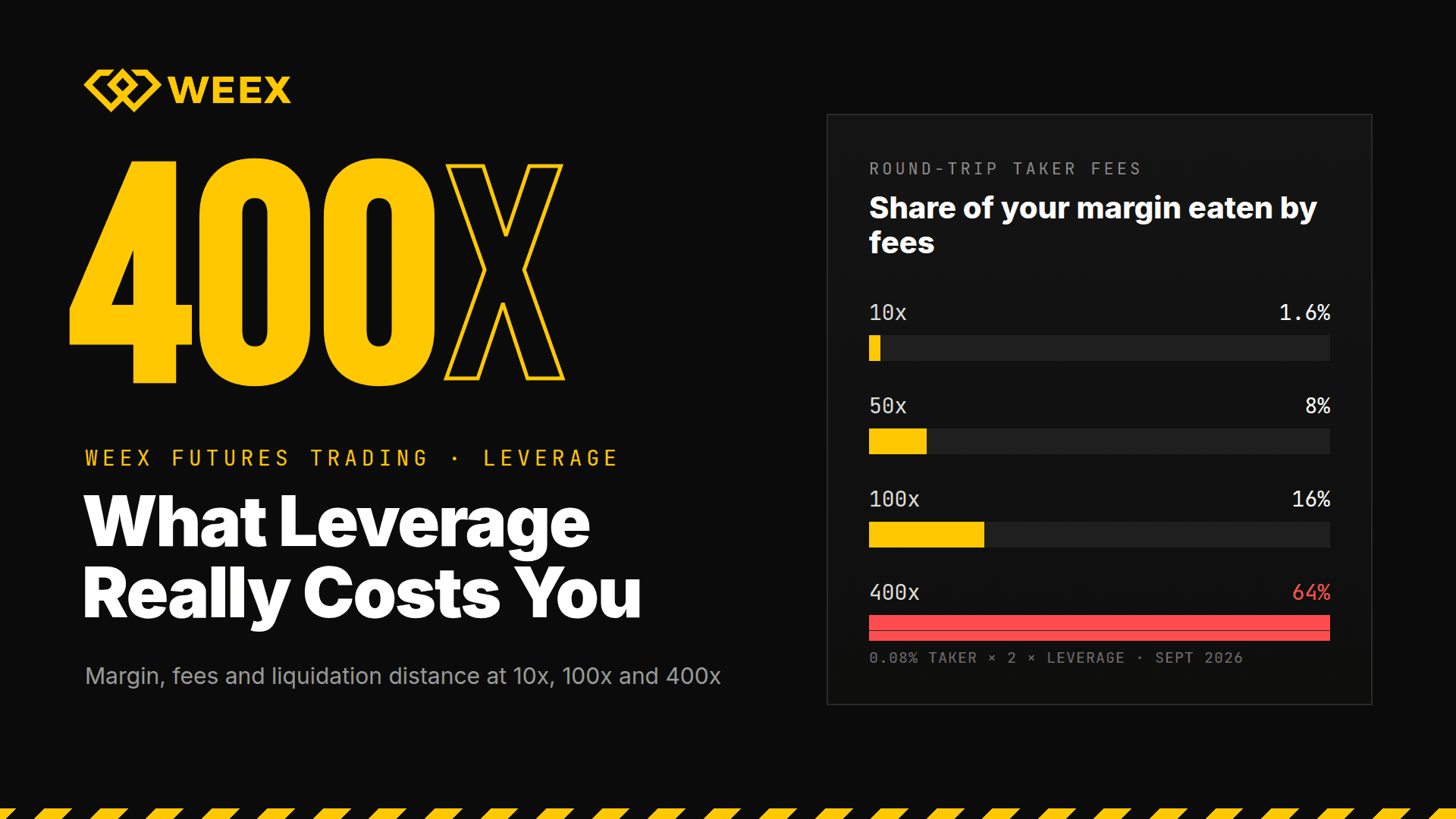
WEEX Futures Trading: What 400x Leverage Really Costs You

Best Crypto Exchange for Beginners 2026: What Actually Matters When Choosing One
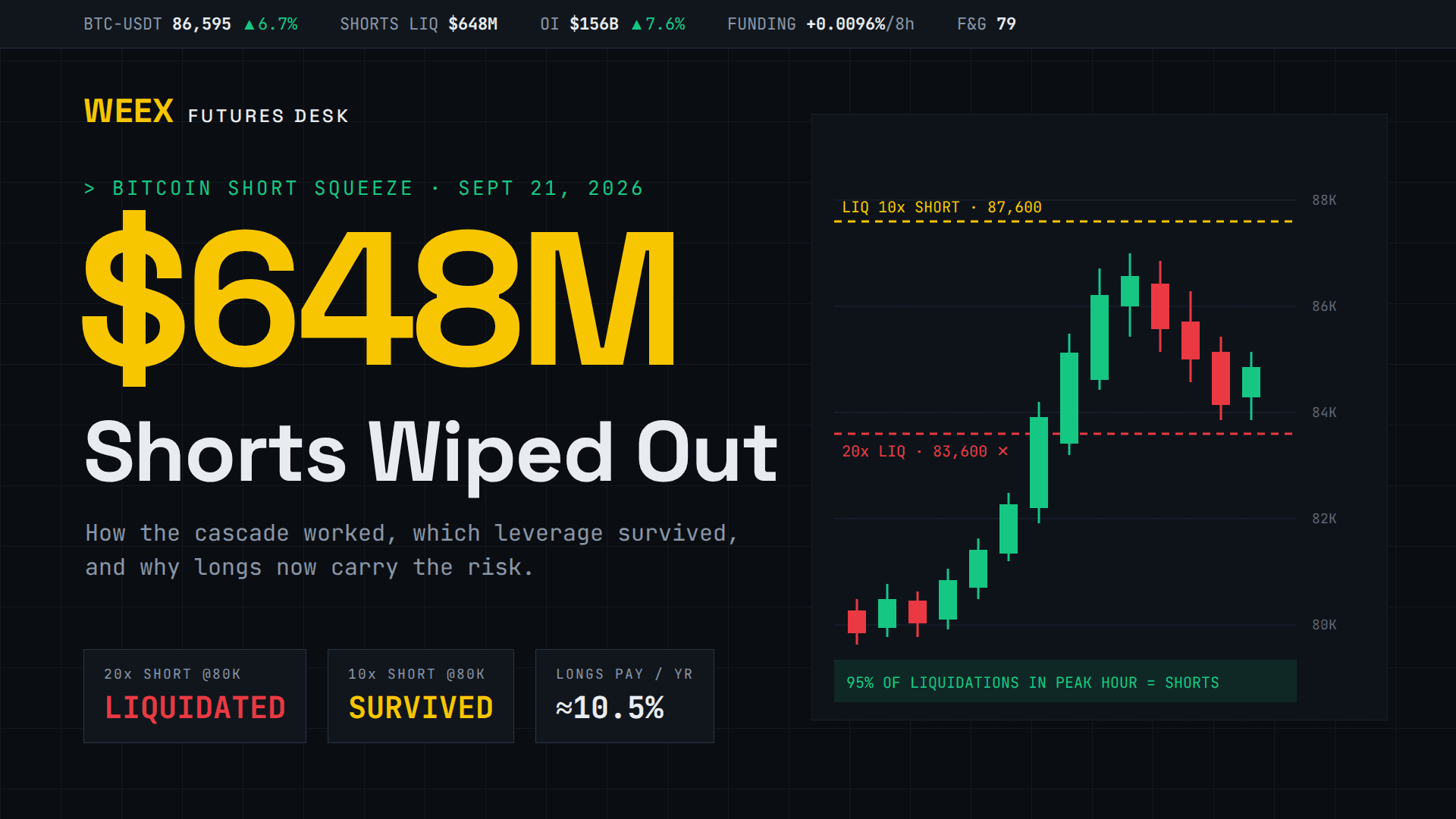
Bitcoin Short Squeeze Explained: Inside the $648M Sept 21 Wipeout

Best Crypto Cold Wallet 2026: Top Picks Matched to How You Hold
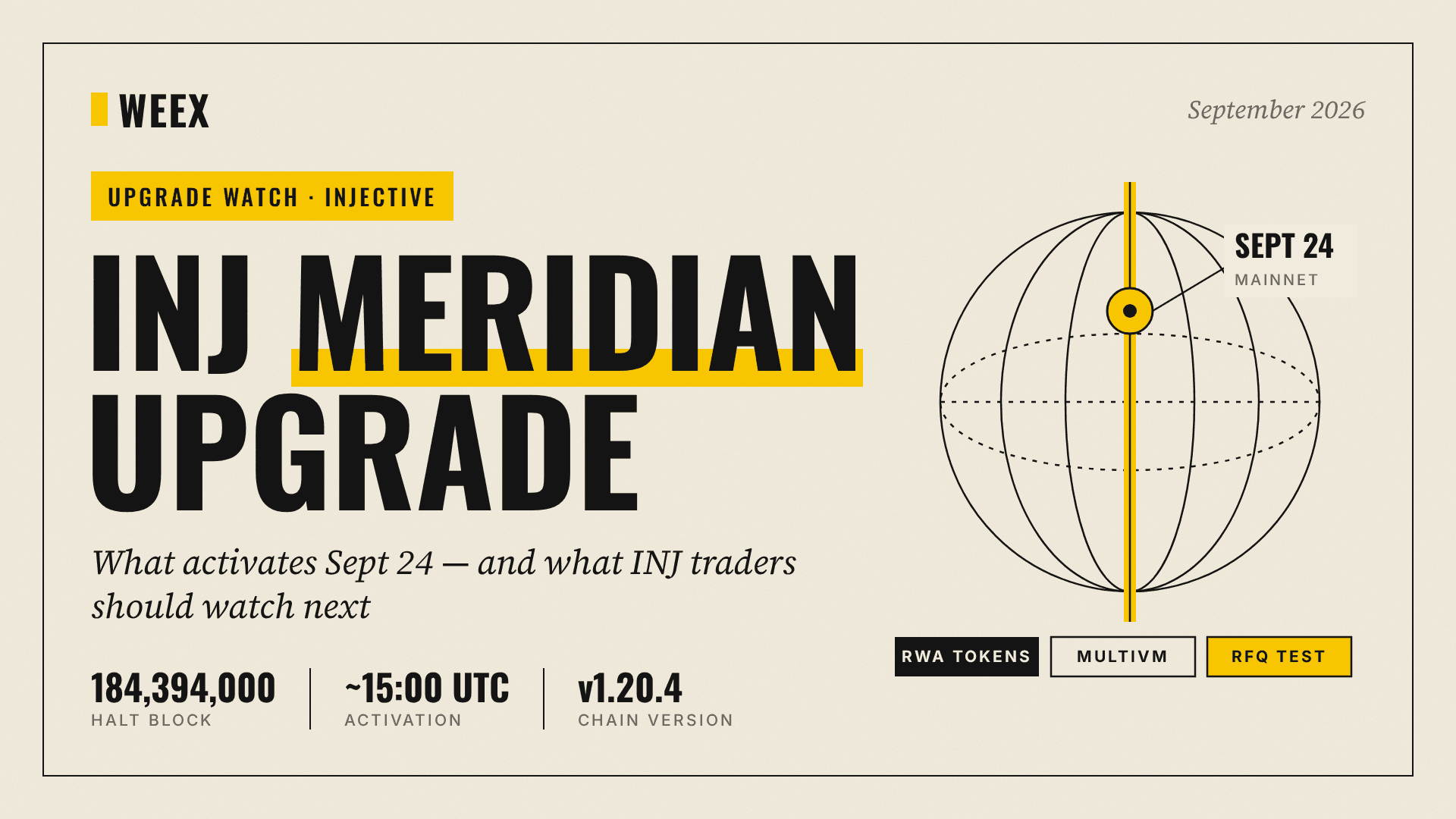
INJ Meridian Upgrade: What Activates Sept 24 and What to Watch
Phantom Wallet vs MetaMask: What's the Difference
Best Crypto Apps for Beginners: The Five Features That Actually Matter on Your Phone
Stock Market Crash Risk in 2026: The Warning Signs Worth Watching
XST Coin Explained: Two Tokens Share One Ticker, Check Which One
SPY Stock in 2026: What the Rebound to Record Highs Is Hiding
What Is Blockchain and How Does It Work? A Transaction Traced
How to Buy Crypto with PayPal: The Custody Catch Most Beginners Miss




